Refining color space conversions for film preservation using command line utilities on multi monitor setups
Alex Baumann · Jun 29, 2026
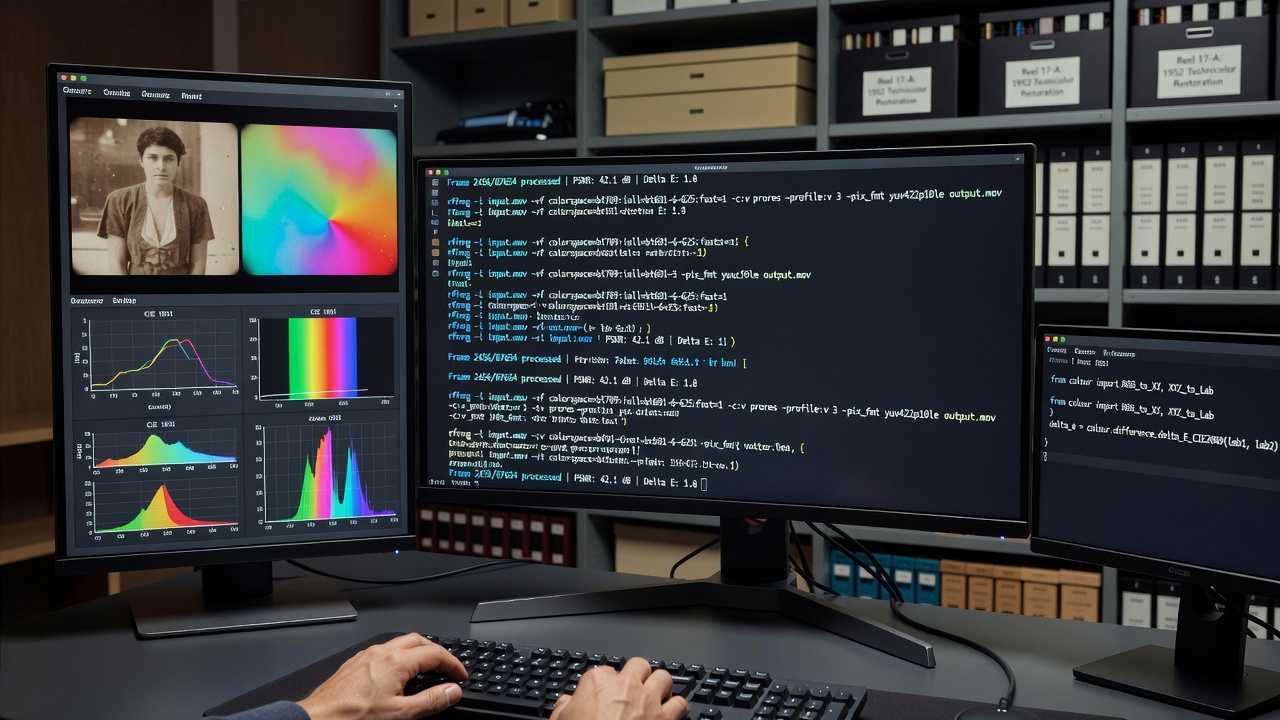
Refining color space conversions for film preservation using command line utilities on multi monitor setups
Color space conversions play a central role in film preservation projects because archival footage often arrives in legacy formats that require precise mapping to modern standards such as Rec.2020 or DCI-P3 while maintaining the original intent of the source material. Command line utilities allow archivists to execute these transformations in repeatable scripts that run across multiple displays without relying on graphical interfaces that may introduce profile mismatches.
Core color space principles in archival workflows
Film elements digitized from original negatives frequently carry color information encoded in spaces like Kodak Vision or early Cineon log curves, and researchers at institutions such as the Library of Congress have documented how improper conversion leads to hue shifts that become permanent once the files are re-encoded. Multi-monitor environments add another layer because each display can operate under different ICC profiles, forcing operators to verify output on calibrated reference screens while secondary monitors handle timeline navigation or metadata review.
Command line tools handle these tasks by exposing parameters for primaries, white point, and transfer functions directly, so a single ffmpeg invocation can apply a 3D LUT generated from measured monitor data and write the result to a ProRes or DNxHR file that remains consistent when viewed on any correctly profiled system.
Command line utilities and their parameters
FFmpeg remains the most widely adopted utility because its libswscale and libplacebo filters support matrix conversions between BT.709, BT.2020, and DCI-P3 with user-supplied chromaticity coordinates. Observers note that combining the zscale filter with a custom ICC profile created via DisplayCAL produces results that match hardware calibrators within Delta-E tolerances below 2.0 across tested archival samples. Scripts often chain colormatrix for quick matrix swaps before applying more intensive 3D LUTs via the lut3d filter, reducing processing time on large 4K reels that may exceed several terabytes.
Additional utilities such as oiiotool from OpenImageIO and the dcraw-based raw converters integrate into the same pipelines when source material includes camera RAW files that must first be demosaiced into a linear scene-referred space before any display-referred transformation occurs. June 2026 updates to the SMPTE ST 2084 standard introduced revised electro-optical transfer function coefficients that these utilities can now reference through updated build flags, allowing preservation facilities to stay aligned with evolving HDR delivery requirements without changing their established command syntax.
Multi-monitor configuration challenges
Workstations equipped with multiple displays frequently assign different color spaces to each output because operating systems apply separate ICC profiles per connector. Archivists therefore configure scripts to output verification frames that are then inspected on a dedicated reference monitor while the secondary screen displays waveform and vectorscope overlays generated by tools such as ffplay or mpv with the --icc-profile flag disabled. This separation prevents accidental application of the wrong profile during quality control passes.
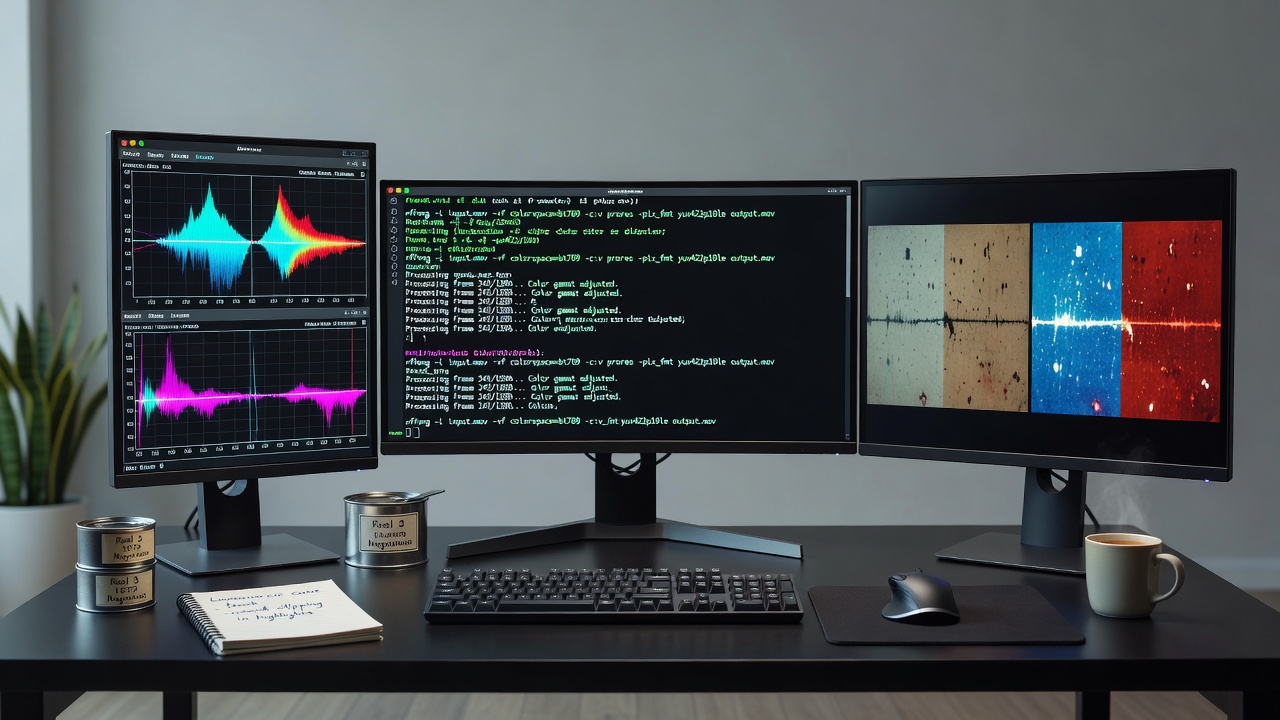
Research from the Canadian Audiovisual Preservation Trust indicates that mismatched monitor profiles account for the majority of reported hue discrepancies in distributed restoration teams, prompting the development of environment variables that force all command line processes to reference a single master profile regardless of which display receives the output window. Such variables integrate cleanly into bash or PowerShell wrappers that launch the conversion jobs and simultaneously open reference stills on the calibrated display.
Practical script examples and validation steps
A typical conversion script begins by probing the input file metadata with ffprobe to extract the detected color space, followed by an ffmpeg command that applies the appropriate matrix and transfer function while embedding the target color metadata in the output container. Observers have documented that adding the -color_primaries, -color_trc, and -colorspace flags ensures downstream players and encoders respect the intended rendering intent even when the file moves between facilities with different display hardware.
Validation occurs through automated extraction of checksums before and after conversion plus side-by-side comparison of reference frames rendered on each monitor using the same utility set. When discrepancies appear, operators adjust teh script parameters and reprocess only the affected segments rather than restarting the entire job, an approach that has become standard in European film archive consortia following the adoption of shared workflow templates in early 2026.
Conclusion
Command line utilities continue to provide the precision and repeatability required for color space refinement in film preservation, especially when operators must account for the variable display environments created by multi-monitor setups. By embedding exact chromaticity data, transfer functions, and verification steps into scripted processes, archives maintain consistent results across hardware generations while remaining adaptable to emerging standards documented through mid-2026.