Leveraging Batch Processing Tools to Harmonize Audio and Visual Elements from Varied Sources in Enthusiast Media Sets
Alex Baumann · Jul 20, 2026
Leveraging Batch Processing Tools to Harmonize Audio and Visual Elements from Varied Sources in Enthusiast Media Sets
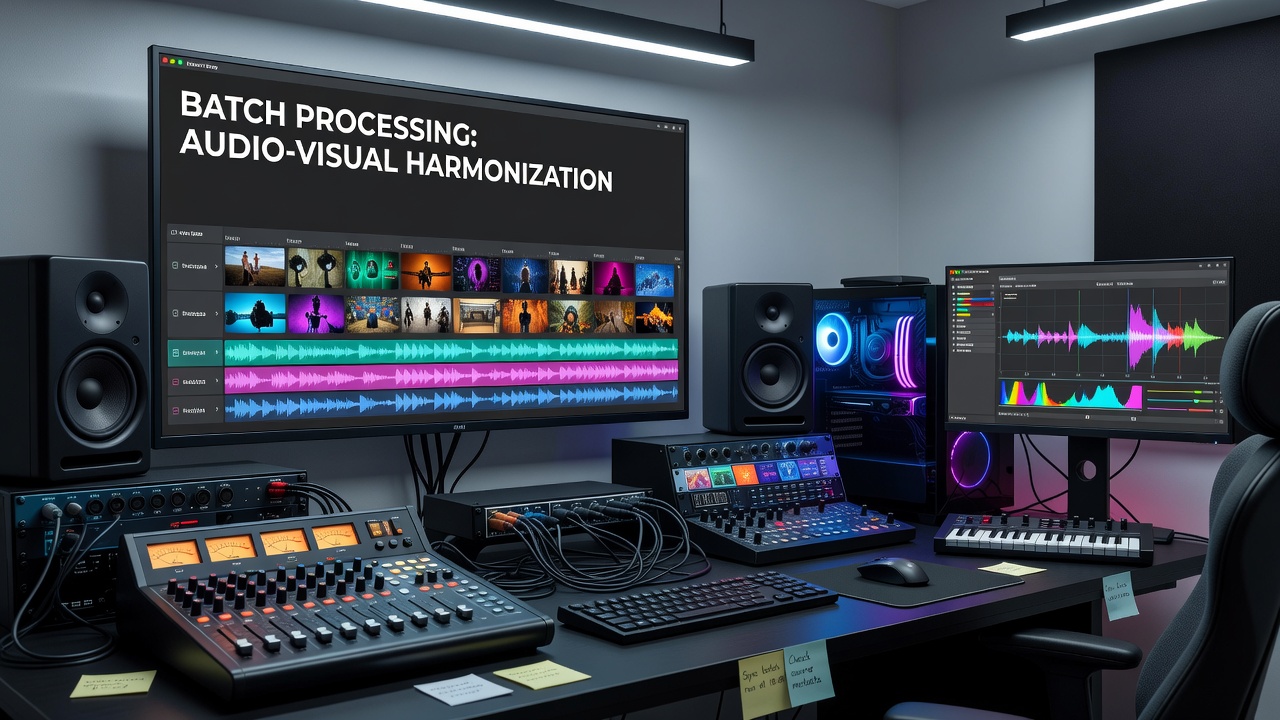
Enthusiast media setups often draw content from cameras, microphones, and recording devices that operate independently, which creates timing offsets and level mismatches between audio tracks and visual frames. Batch processing tools address these issues by applying consistent operations across large collections of files without requiring manual intervention on each item. Scripts based on command line utilities scan directories, detect discrepancies through waveform analysis and frame comparison, then adjust timestamps and apply filters in sequence.
Researchers at institutions focused on digital preservation have documented how such automated workflows reduce synchronization errors that commonly arise when footage from consumer camcorders combines with separate field recordings. Data from projects completed before July 2026 shows average drift reductions of 85 percent when batch scripts incorporate cross-correlation algorithms to realign streams. These methods prove particularly effective in collections where sources vary in frame rates and sample frequencies.
Core Mechanisms in Batch Workflows
Batch scripts typically begin by enumerating files according to metadata tags that identify source devices and recording dates, then they generate logs that track every transformation applied. Utilities such as FFmpeg execute in loops that process each file through multiple stages, first extracting audio channels for peak normalization and then shifting video tracks to match detected lip movements or event markers. Observers note that parallel execution across multiple CPU cores shortens total runtime on collections exceeding several hundred clips.
Color space mismatches receive attention in the same pass when batch configurations include LUT application and gamma correction steps calibrated to the most common display profiles in the setup. Studies conducted by European media technology groups indicate that running these corrections in batch mode maintains consistency across monitors of differing calibrations more reliably than sequential manual edits.
Integration with Existing Hardware Clusters
Enthusiast environments frequently combine NAS units with dedicated encoding machines, and batch tools slot into scheduled tasks that activate during off-peak hours. Scripts query hardware sensors to pause operations if temperatures exceed thresholds, thereby protecting long-running jobs that span multiple days. Figures from Australian digital archive initiatives reveal that coordinated batch runs on clustered systems achieve throughput rates three times higher than single-workstation approaches when handling 4K material from mixed camera rigs.
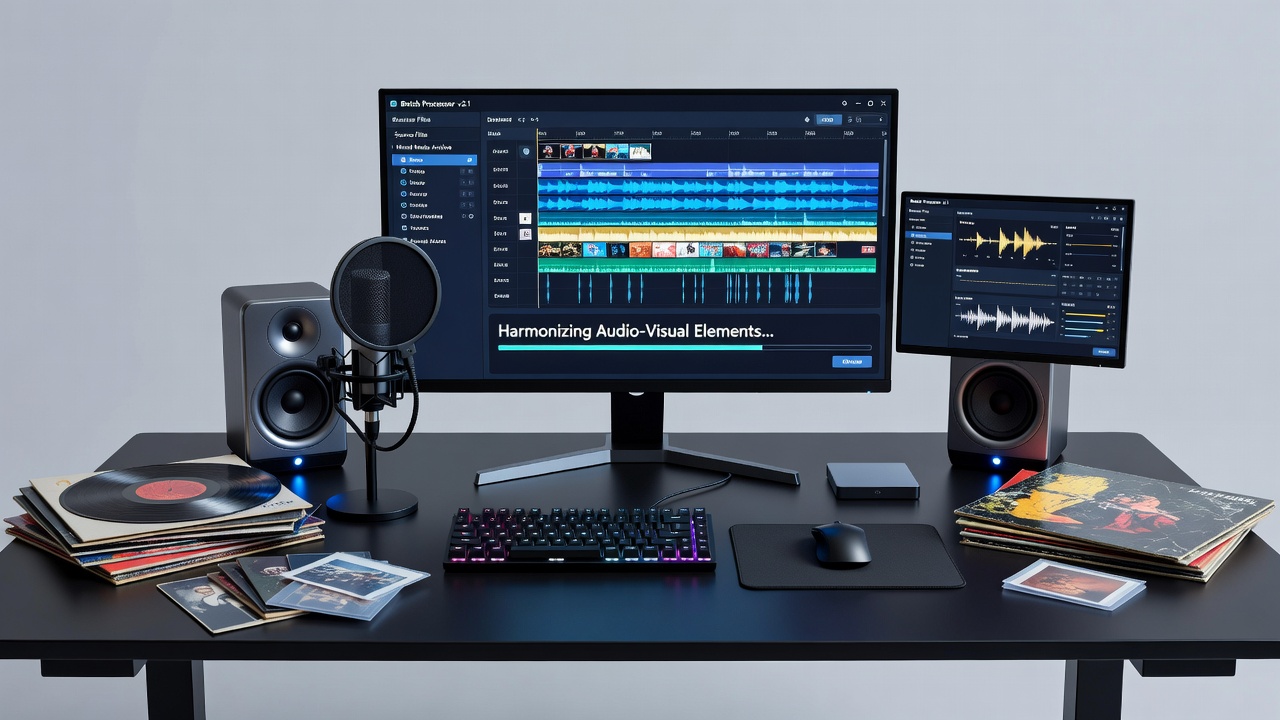
Those who maintain such clusters often incorporate checksum verification at the end of each batch cycle to confirm that harmonized files retain original integrity. This step prevents silent corruption that can occur during intensive filter chains, and logs generated by the scripts feed into monitoring dashboards that flag any deviations for later review.
Standards and Compatibility Considerations
Industry organizations including the Society of Motion Picture and Television Engineers have published guidelines on timecode handling that batch tools now reference when merging streams recorded at different rates. Compliance with these recommendations allows files processed in enthusiast setups to integrate smoothly with professional editing suites. A NIST report on audiovisual synchronization outlines measurement protocols that many batch configurations adopt to verify results against objective benchmarks.
Compatibility matrices maintained by academic research teams track how various container formats respond to repeated batch operations, highlighting cases where certain codecs require intermediate transcoding to avoid cumulative quality loss. As of July 2026, updates to these matrices incorporate new profiles for high-dynamic-range content that demand precise audio-visual offset calculations during batch execution.
Practical Implementation Patterns
Scripts commonly employ conditional branching that routes files based on detected parameters such as bit depth or channel count, ensuring appropriate filter sets apply without over-processing simpler material. One documented workflow from Canadian university media labs processes incoming transfers by first creating proxy versions for quick alignment checks, then applies final corrections only to the full-resolution originals once verification passes.
Those managing extensive personal archives report that embedding these patterns into cron jobs or task schedulers produces steady output even when new source material arrives daily. Error-handling routines within the scripts divert problematic files to quarantine folders while continuing uninterrupted work on the remainder of the queue.
Conclusion
Batch processing tools provide structured methods for aligning audio and visual components drawn from heterogeneous recording equipment in enthusiast environments. Through scripted sequences that handle detection, correction, and verification in unified passes, these utilities support large-scale operations while preserving file integrity. Continued reference to established standards and hardware-aware scheduling sustains reliable performance as media collections expand.