Custom CLI Utilities for Standardizing Color Profiles in Multi-Monitor Video Playback Setups
Alex Perry · Aug 22, 2026
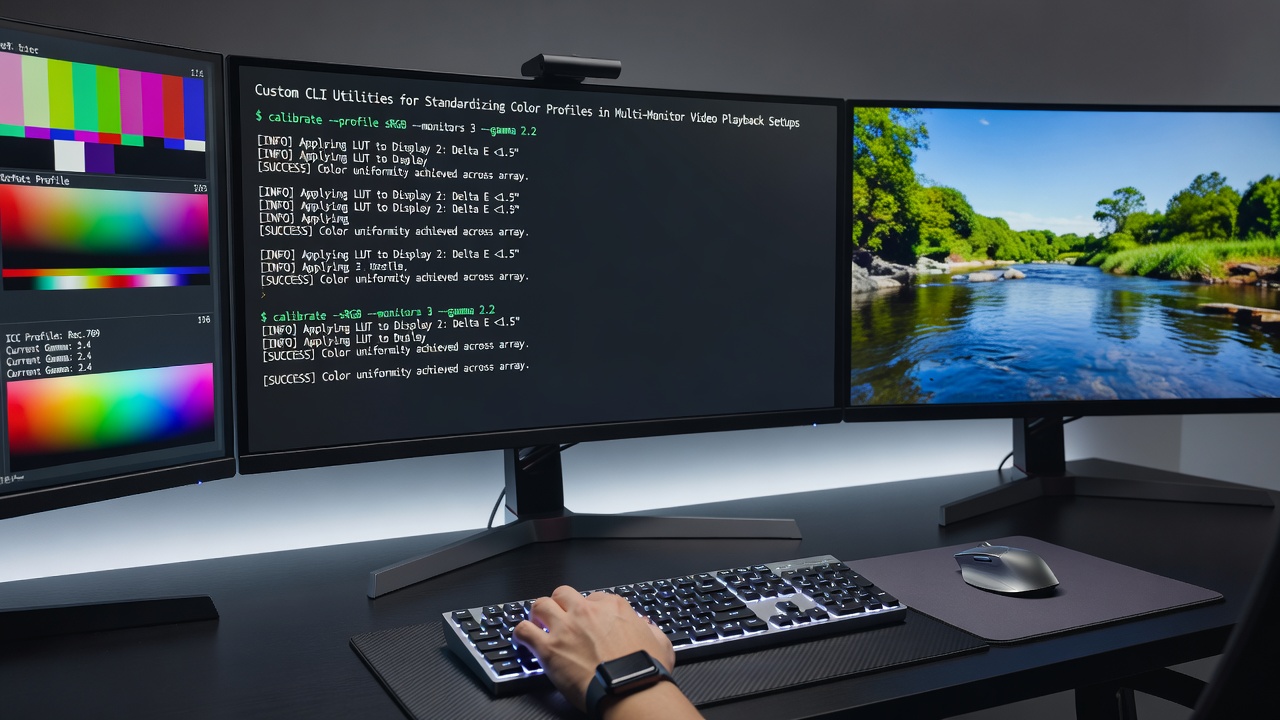
Custom CLI Utilities for Standardizing Color Profiles in Multi-Monitor Video Playback Setups
Color management in multi-monitor environments requires precise handling of ICC profiles to maintain consistent output during video playback, and custom command line utilities address this by allowing direct assignment and verification across displays connected to a single system. Observers note that standard desktop environments often apply profiles inconsistently when multiple monitors run at different refresh rates or resolutions, which leads developers to create targeted scripts using tools from the ArgyllCMS suite and colord integration layers.
Core Components of Color Profile Standardization
ICC profiles define the color characteristics of each monitor through measured data points that map device values to a device-independent color space, and command line utilities such as dispwin and colormgr enable loading these profiles without relying on graphical interfaces that may conflict in extended desktop configurations. Research from the International Color Consortium shows that proper profile assignment reduces delta-E variations between screens during simultaneous playback sessions, particularly when one display uses an IPS panel and another employs OLED technology. Those who manage video archives frequently combine these utilities with xrandr commands to detect connected outputs and apply the correct profile path for each device identifier.
Building and Deploying Custom Scripts
Custom scripts typically begin by enumerating monitor EDID data through utilities like edid-decode before matching it against stored ICC files, which ensures the right profile activates even after system restarts or cable swaps. A typical workflow involves a bash loop that iterates over detected outputs, calls colormgr to create device objects if needed, and then invokes dispwin with the -I flag to install the profile directly into the X server or Wayland compositor session. Data indicates that such automation becomes essential in setups running multiple 4K displays where graphical calibration tools fail to recognize secondary outputs reliably.
Integration with video players occurs through environment variables or pre-playback hooks, for instance setting OMLC or similar color management flags so that applications like mpv or VLC respect the system-wide profiles loaded via CLI. Experts have observed that wrapping these steps in a single executable allows synchronization across monitors before playback begins, avoiding mid-session color shifts that occur when profiles load asynchronously.
Handling Multi-Monitor Edge Cases in August 2026
As of August 2026, updates to colord and ArgyllCMS have introduced improved support for HDR metadata passthrough, yet custom scripts remain necessary to force consistent tone-mapping curves when one monitor reports HDR capabilities and another does not. Scripts now often query EDID extensions for HDR static metadata blocks and adjust the loaded profile accordingly, using commands that pipe output from colormgr into custom parsers written in Python or shell. Figures from device testing reveal that these adjustments maintain luminance uniformity within 5 percent across mixed HDR and SDR displays during extended playback.
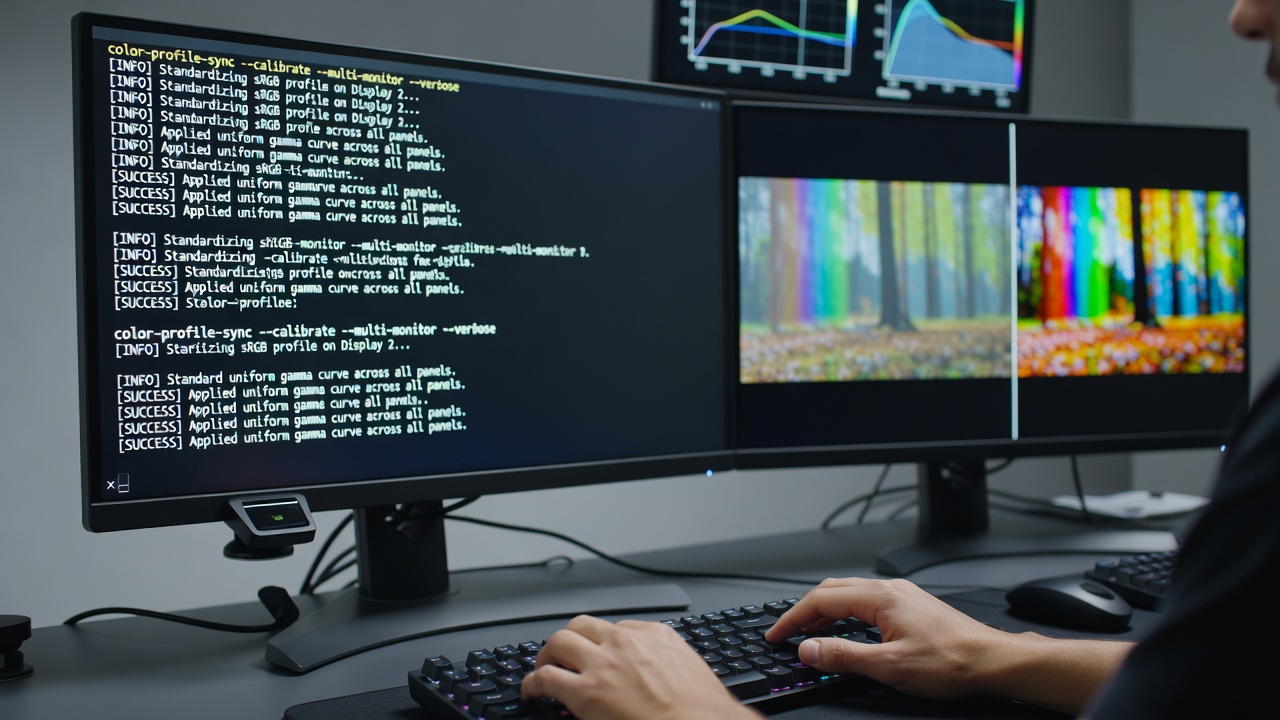
Additional utilities such as xiccd provide D-Bus interfaces that CLI tools can query to confirm profile activation status, and observers note that combining this with udev rules allows automatic reapplication when monitors connect or disconnect. In practice, a script might monitor udev events for DRM connector changes and trigger profile reloads without user intervention, which proves useful in home theater PC environments where displays power cycle independently.
Verification and Maintenance Procedures
Verification relies on utilities like spotread or dispcal to measure actual output after profile loading, generating reports that compare measured values against the intended ICC data. Those who maintain multi-monitor systems often schedule periodic checks through cron jobs that log delta-E statistics and alert when drift exceeds predefined thresholds, ensuring long-term consistency without manual oversight. Research indicates that regular CLI-driven recalibration extends the usable life of color-critical workflows by catching hardware aging effects before they become visible during video review.
Compatibility with container formats and playback software further depends on ensuring that the color management module in the player reads the same profiles applied at the system level, and custom scripts achieve this by exporting environment variables that point to the active profile paths for each monitor. Turnkey solutions remain limited, so enthusiasts continue to refine these utilities to handle edge cases such as rotated displays or mixed color depth configurations.
Conclusion
Custom CLI utilities provide a reliable method for standardizing color profiles across multi-monitor video playback setups by leveraging direct access to system color management layers and device detection tools. Continued development in this area supports consistent visual output as display technologies evolve and new connectivity standards appear.