Command Line Workflows for Harmonizing Visual and Auditory Elements in Enthusiast Film Repositories
Casey Lange · Aug 24, 2026
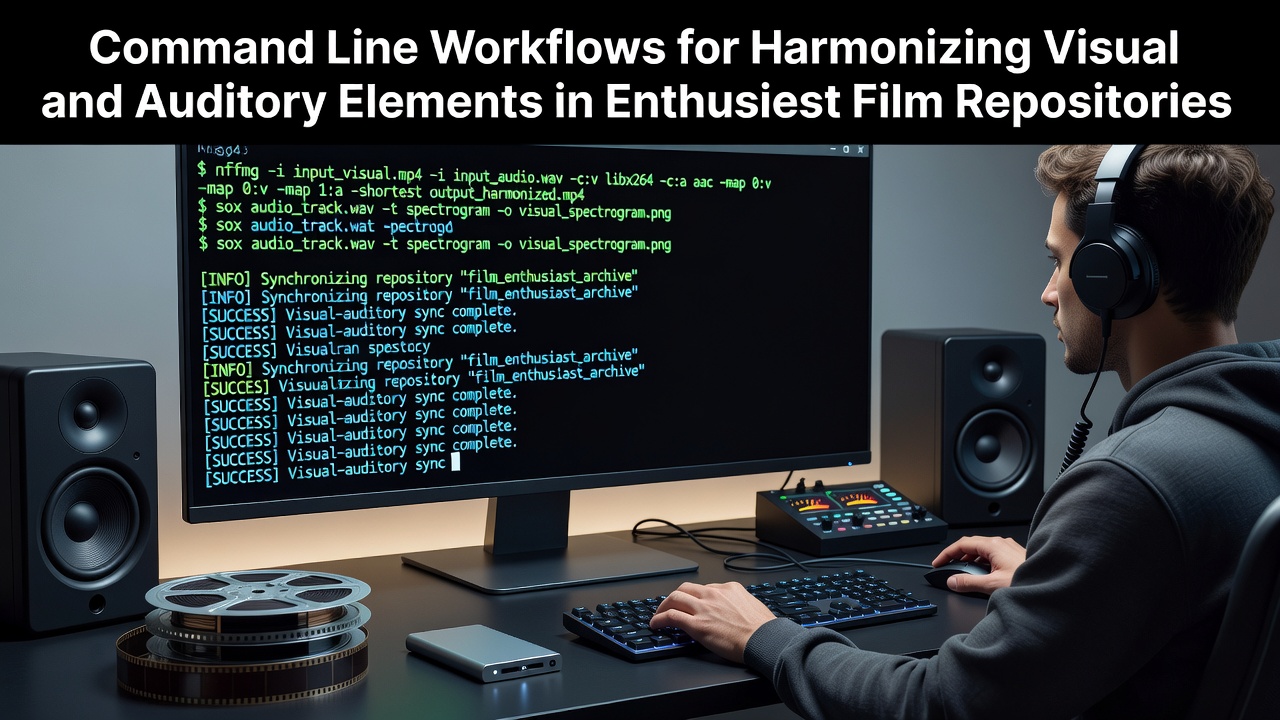
Command Line Workflows for Harmonizing Visual and Auditory Elements in Enthusiast Film Repositories
Command line workflows enable precise control over visual and auditory elements when managing enthusiast film repositories, where users combine multiple sources into cohesive archives using utilities that process streams without graphical interfaces. Observers note that tools like ffmpeg and ffprobe allow analysis of container formats, codec parameters, and timestamp alignments across video and audio tracks, which becomes essential in distributed collections that draw from varied acquisition methods. Data from digital preservation initiatives shows that command line approaches reduce inconsistencies in frame rates and sample rates by permitting direct manipulation of metadata and stream mappings.
Initial File Inspection and Stream Mapping
Those who maintain large film repositories often begin with ffprobe commands that extract detailed stream information, revealing parameters such as pixel formats, audio channel layouts, and duration mismatches between visual and auditory components. Experts have observed that running ffprobe with verbose output flags produces reports on timebases and start times, which users then reference when constructing ffmpeg filter graphs to align elements. Research indicates that early detection of drift in audio-video synchronization prevents cascading errors during later encoding stages, especially in repositories that incorporate legacy transfers alongside modern captures.
Applying Filters for Synchronization and Level Matching
Once inspection completes, ffmpeg processes files through complex filter chains that adjust timestamps, resample audio rates, and apply gain corrections to auditory tracks while preserving visual integrity. A typical workflow involves the use of asetpts and setpts filters to reset presentation timestamps, followed by atrim and trim operations that excise unwanted segments from either stream; researchers at institutions focused on media archiving have documented how these steps maintain lip-sync accuracy across multi-hour features. And because command line execution supports scripting, batch operations can iterate through hundreds of files, applying consistent parameters derived from initial analysis logs.
Color space adjustments integrate into the same pipelines when visual elements require conversion between standards such as BT.709 and BT.2020, while concurrent audio normalization uses loudnorm filters to target integrated loudness values without introducing clipping. Figures from industry reports on open-source media tools reveal that such combined operations complete faster on multi-core systems when users specify thread counts and preset profiles during encoding.
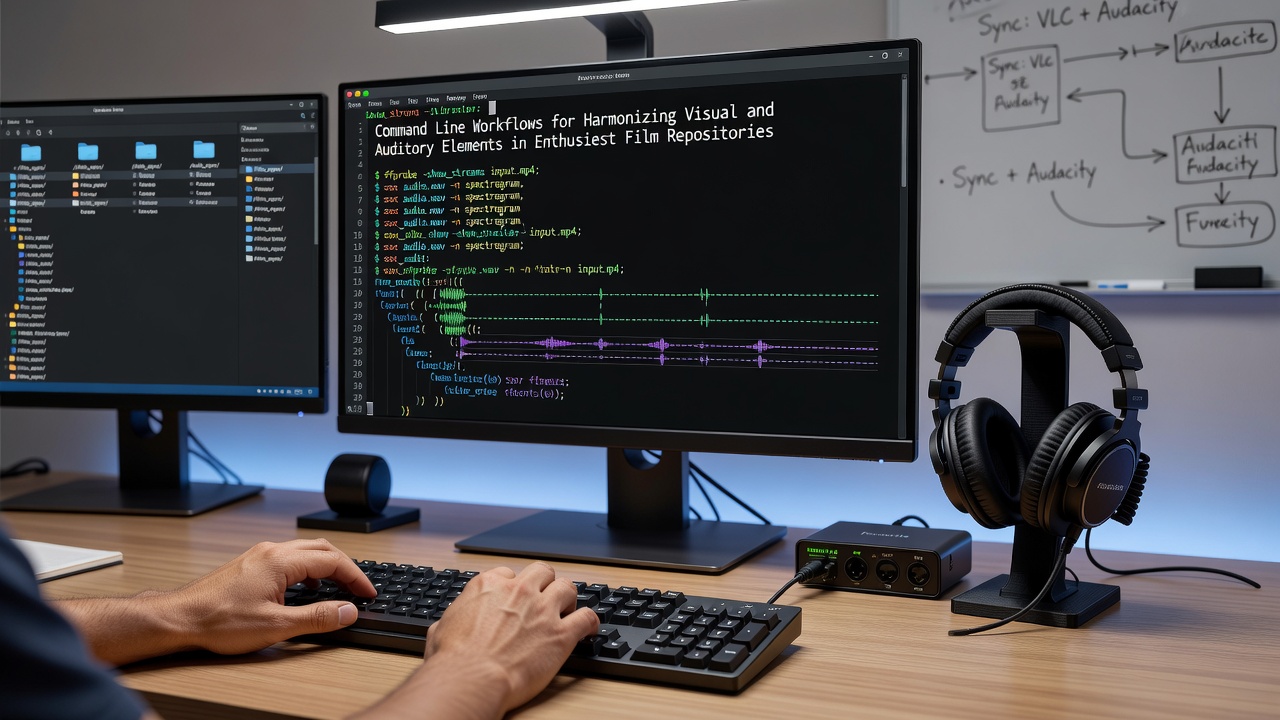
Scripting Repetitive Tasks Across Repository Collections
Repository managers frequently develop shell scripts that loop through directory structures, invoking ffprobe for verification before launching ffmpeg jobs that merge corrected streams into new containers. According to documentation maintained by the National Film and Sound Archive of Australia, standardized command sequences help preserve provenance data embedded in file headers throughout these transformations. What's interesting is how variables defined at the start of each script capture user-specified parameters like target frame rates and audio bit depths, allowing the same workflow to adapt across different source materials without manual re-entry of values.
Parallel processing extensions, such as those provided by GNU parallel, distribute these tasks across available CPU cores, which becomes relevant in enthusiast setups that handle 4K material with high-bitrate audio layers. Observers note that monitoring progress through log files generated by each ffmpeg instance enables quick identification of streams that failed to harmonize due to format incompatibilities or corrupted headers.
Verification and Output Validation Steps
After processing, validation commands re-run ffprobe on output files to confirm that visual and auditory durations match within acceptable tolerances and that no stream mapping errors persist. People who manage these repositories often compare checksums of original and processed files to verify that no unintended alterations occurred during filter application. Studies from academic media labs indicate that automated validation scripts reduce human review time by flagging only those files where drift exceeds predefined thresholds.
Integration with external subtitle databases occurs through separate CLI utilities that generate timecode-aligned files, which then embed into the final container using ffmpeg's subtitle mapping options. This step ensures that harmonized audio-visual elements remain accessible across playback environments without requiring additional post-processing.
Conclusion
Command line workflows for harmonizing visual and auditory elements continue to evolve alongside updates to core utilities, supporting enthusiast film repositories that prioritize accuracy and reproducibility. As of August 2026, ongoing refinements in filter implementations allow finer control over dynamic range and frame interpolation, while maintaining compatibility with established container formats. Those who adopt these methods gain repeatable processes that scale from individual titles to entire collections, grounded in the same inspection, transformation, and validation sequence.